Assets and equipment
Keep asset identity, location, assignment and technical history connected.

CISELSOFT / OPERATIONS MANAGEMENT
See what needs attention, who owns the work and what has been done. Choose the modules your organisation needs.
Request an interactive demo →Keep asset identity, location, assignment and technical history connected.
Track assignment, intervention and completion review.
Plan time- or counter-based work and follow maintenance history.
Record findings and corrective work links while preserving human decisions.
Track spare parts, consumables and stock movements.
Manage customer, quotation and service-related commercial records.
Follow technical acceptance, measurement evidence, review and documentation.
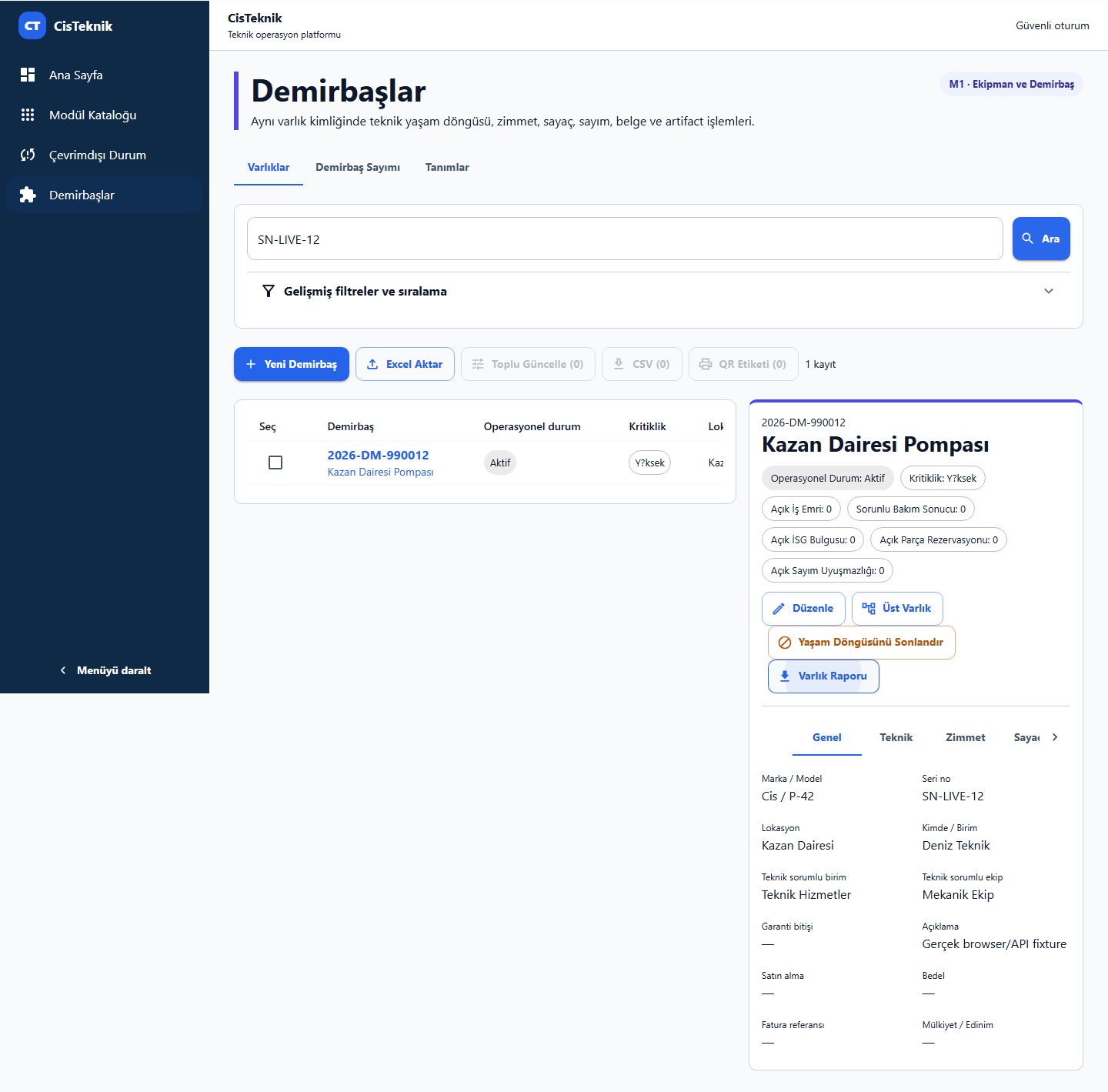
Asset list and technical details. This is a development screenshot with a sample test record.
Select an asset, create a sample work order, assign the demo technician and record sample material usage. Watch the work and inventory views update together. The demo creates no real approvals, accounting entries or calibration certificates.
Request demo accessWe clarify the modules, users, deployment and integration needs together before preparing a quote.